Project indexiPhone app
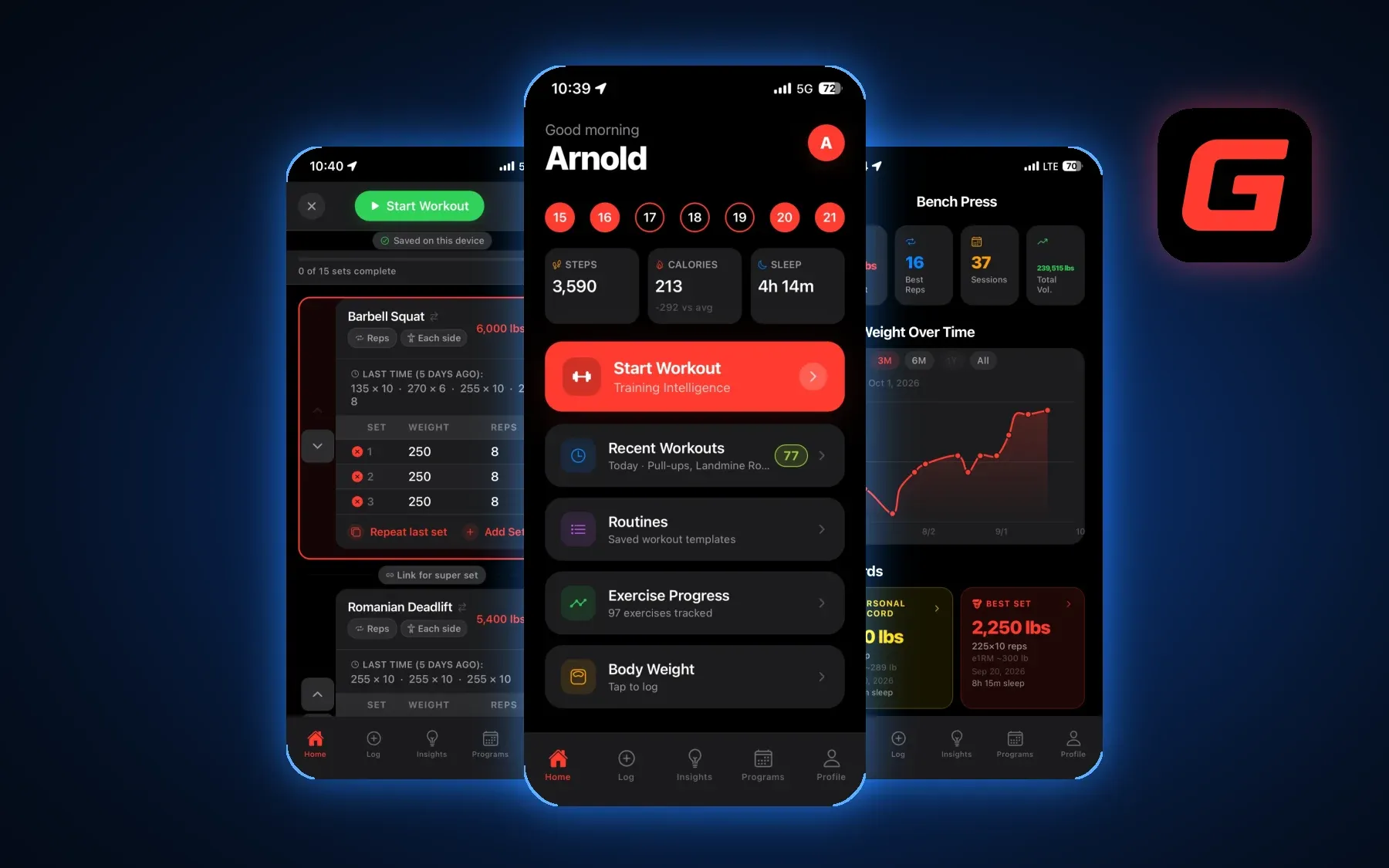
Gymnal
A training journal that remembers the last set.
Gymnal could log my workouts early in the build. I kept working on it because I use it myself, and what I want to know about my training keeps changing. The journal and the AI that helps me interpret it both live on my phone.
View on the App Store- My role
- Founder, product designer and iOS developer
- Scope
- App Store release · On-device AI · Local SQLite
Design for the rest between sets
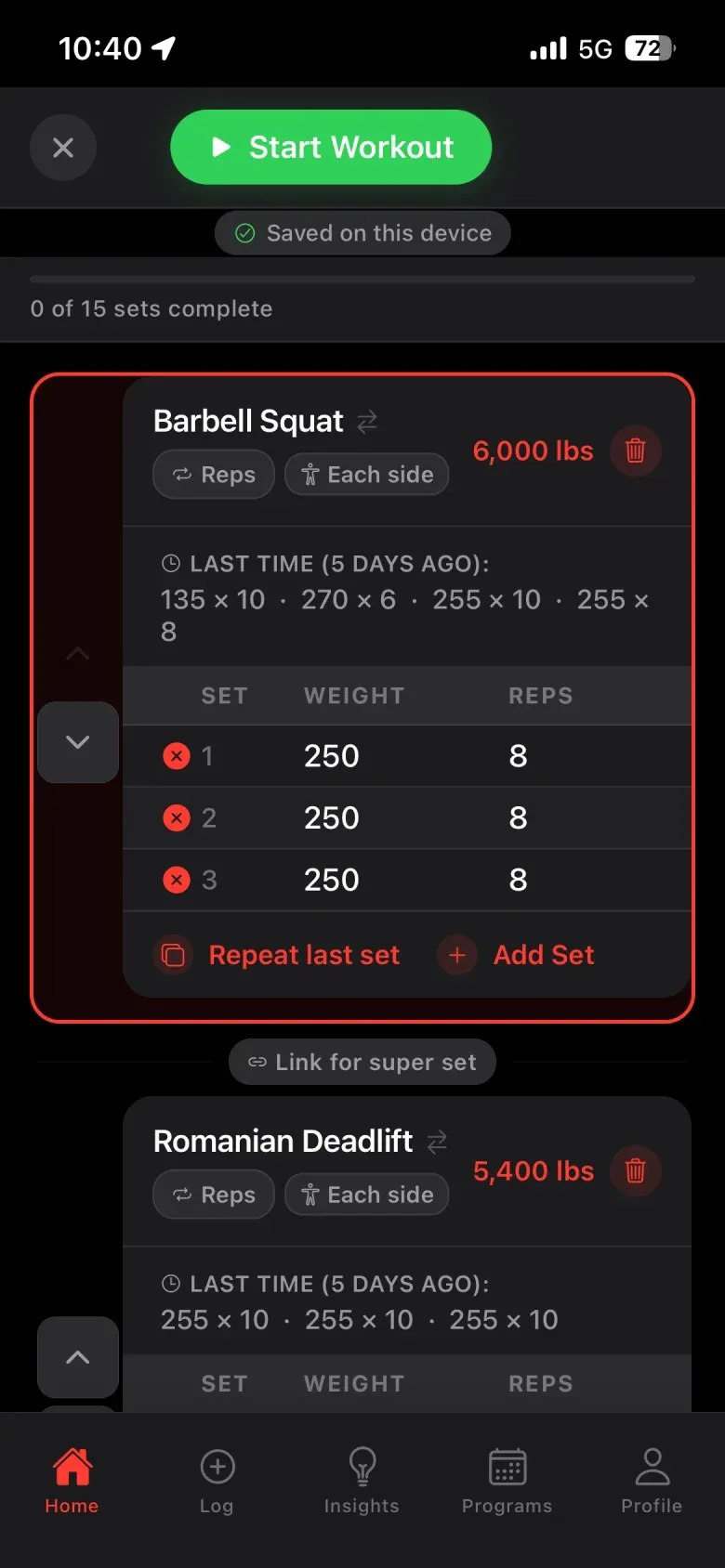
Halfway through a workout, the useful question is small: what did I lift last time? I designed the live log to bring the previous weight and reps into the current exercise. A lifter can enter the new set, start the rest timer and get back to training.
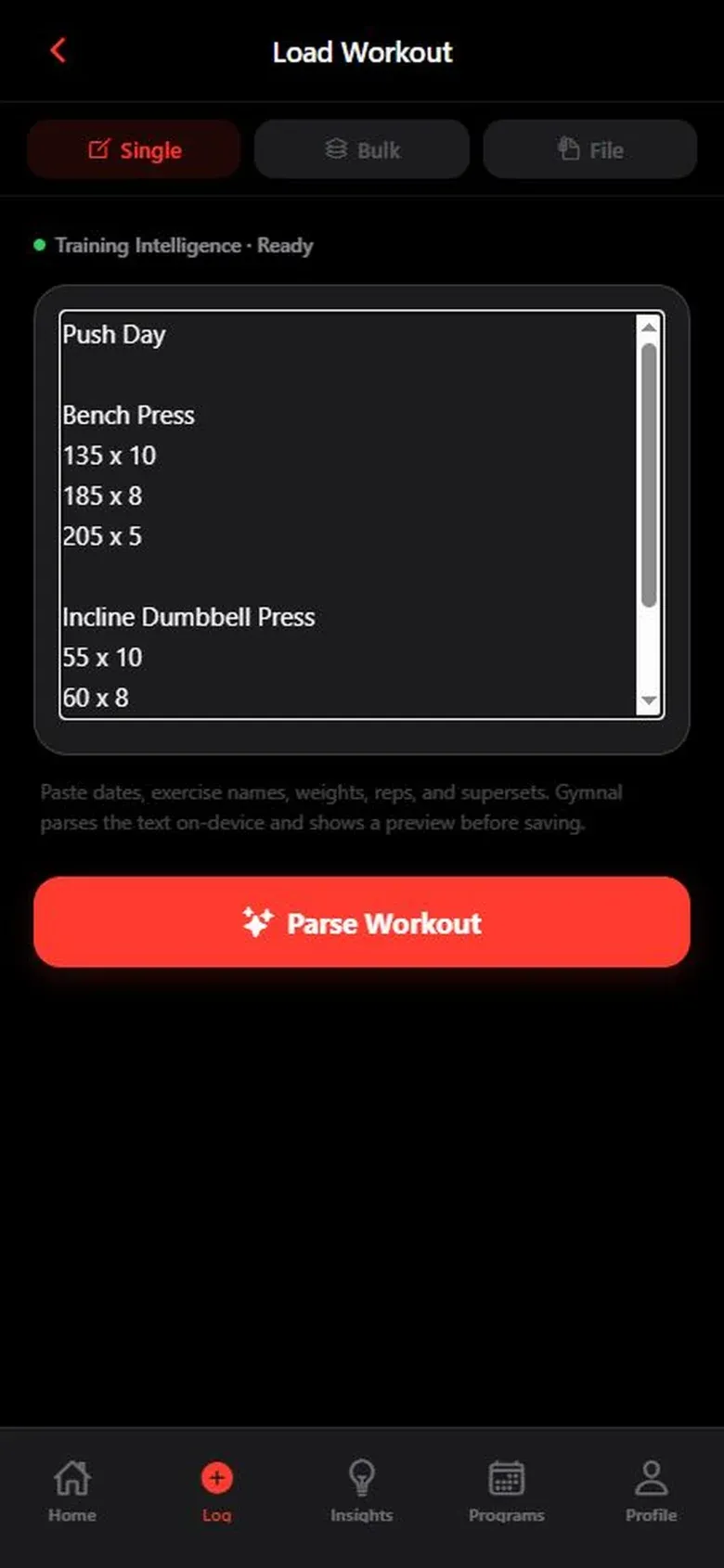
Some people already have a shorthand that works. I gave them a second entry point. Paste a session from Notes, inspect the exercises and sets Gymnal recognized, then choose what to save. The review step matters because a mistaken number would follow the lifter into every later chart.
What should a workout score mean?
Once I could log a session between sets, I wanted to know what to make of it afterward. How did I do compared with my own training? How did I compare with people in my demographic? Those are two different questions. I updated Gymnal’s scoring rules so a lifter can use either comparison.
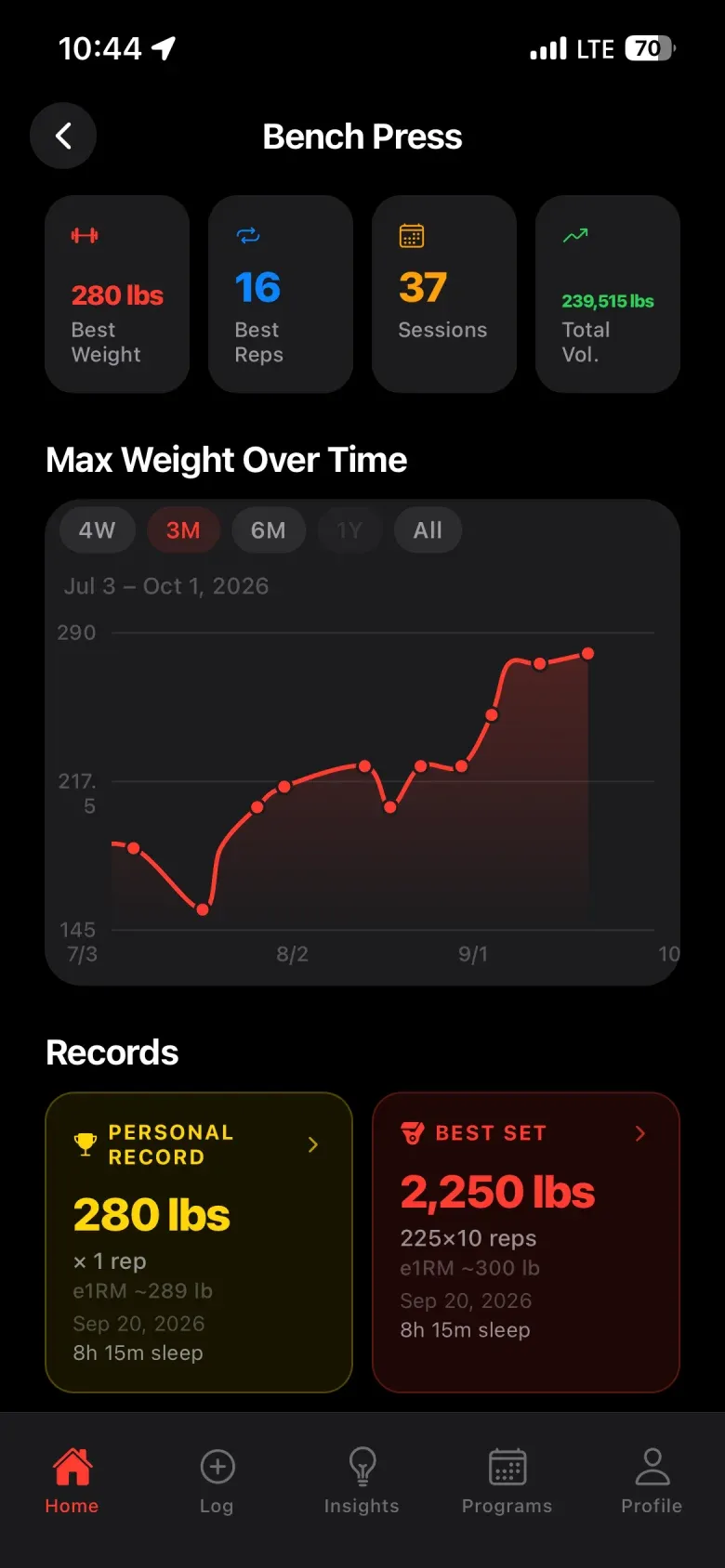
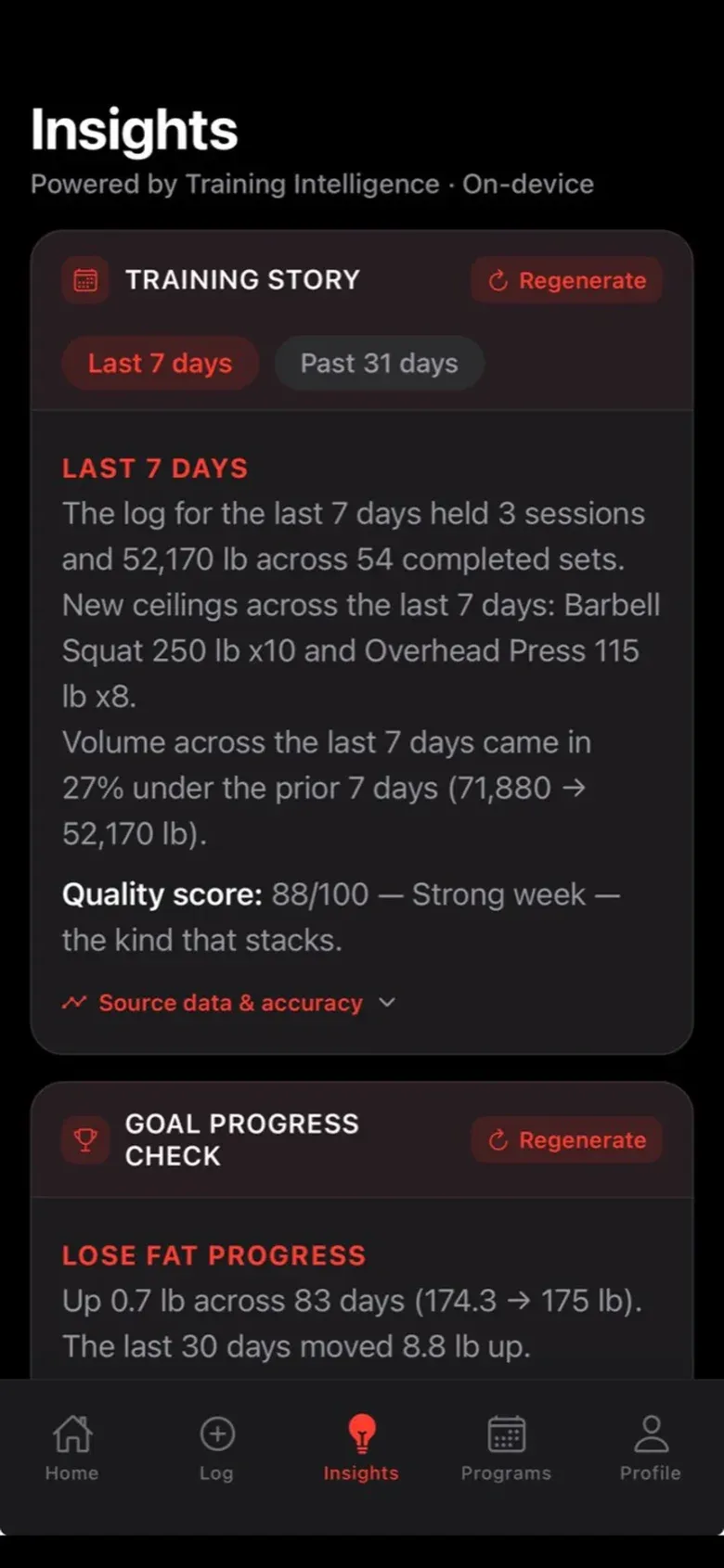
I still use my own workout history to try different rules and local models and see how each interprets the data. When I want to look past a score, I can open a lift and see the individual sets, personal records and estimated strength trend behind my training history.
Training Intelligence draws on the same journal for recaps and questions. Twelve built-in programs give a lifter a plan when they want one. Read-only Apple Health import brings supported activities into the history and checks for duplicates.
Work backward from the privacy decision
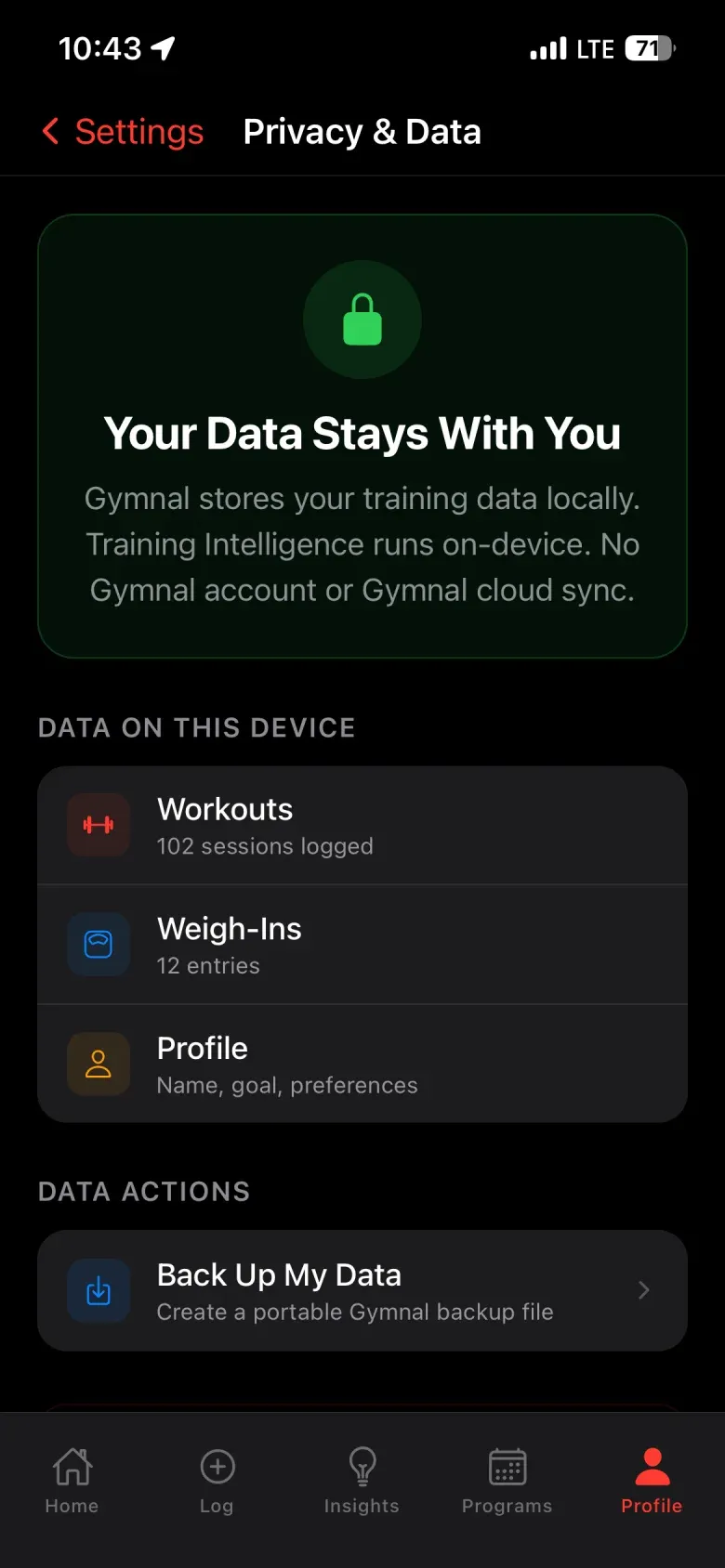
I wanted someone to be able to start a private journal without creating a Gymnal account. That choice determined the architecture. The app stores sessions in SQLite on the device and uses local rules and an on-device language model for training insights. The user controls backup and export.
I built the interface in React Native and Expo. The website and model download are delivered through Cloudflare. A person can use the product website to understand what stays on their phone before deciding to install the app.
Ship the business around the app
I handled the red G identity, the iPhone interface, AI-assisted development, App Store materials and release. I also built the product site and guide so the description a lifter reads before downloading matches the app they open.
Gymnal launched on the App Store on August 12, 2026. Basic logging is free. Pro and Max are optional Apple subscriptions, with purchases and restores managed through RevenueCat. That let me offer the journal on its own and charge for the additional programming and analysis.